In this video, I will show you how to use the keyword search on our homepage and then how to further filter your search results,
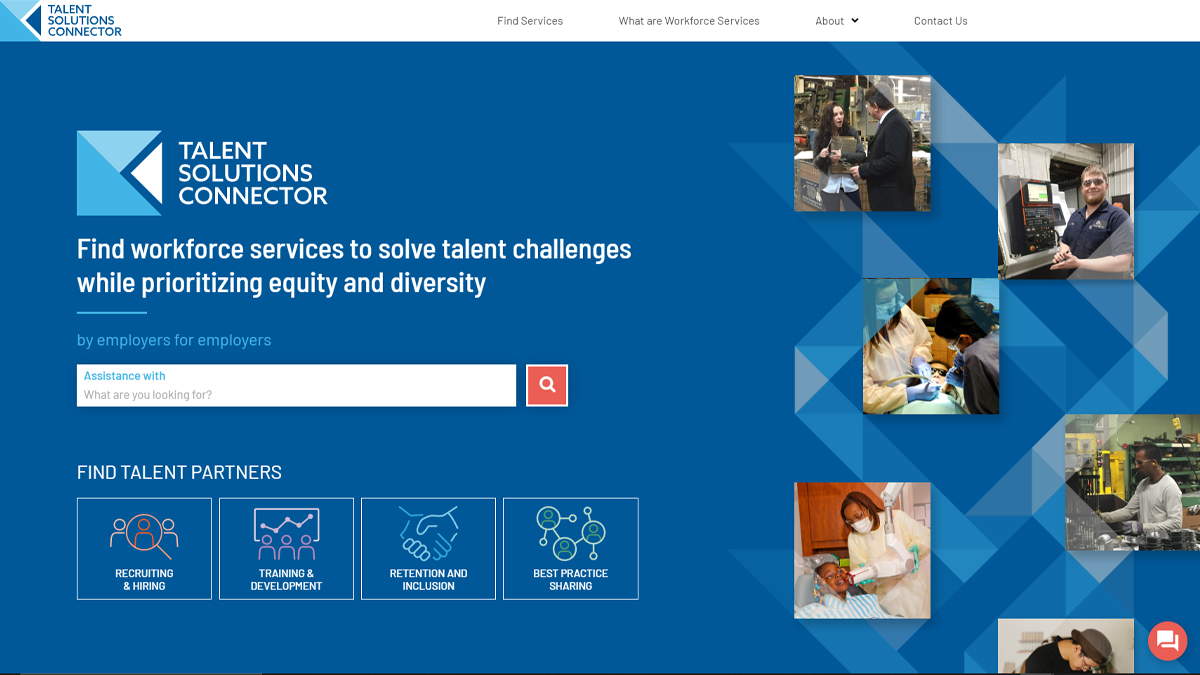
On the homepage in the search field, you can type in any keyword to find services related to your needs. I am going to search for interns and complete my search by either hitting enter or clicking on the magnifying glass button.
We can see from my initial results that I have returned 38 search results. But let’s say that I want to filter those search results down to make sure it matches my workforce needs.
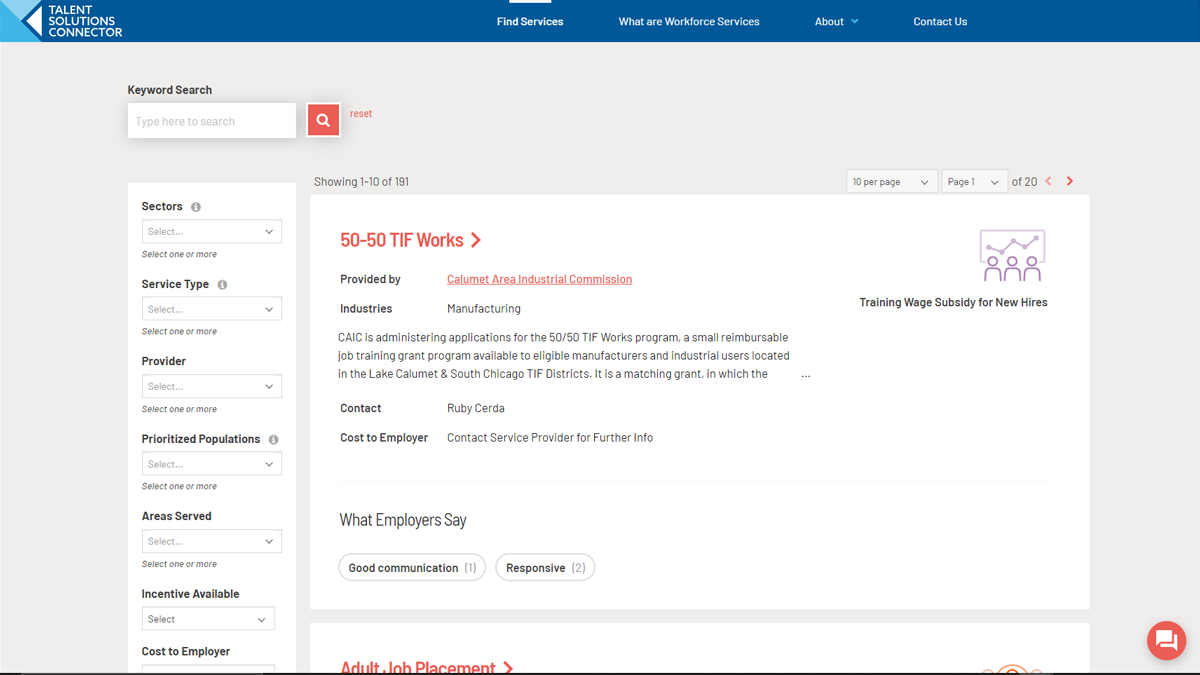
I can do that by filtering on the left-hand side of the screen. As you can see, we have several different filters you can choose from.
I can choose my sector or industry from this list here. For now, I’m going to leave that blank.
I can also filter by service types. You can see, we have several different service types. Now if you’re unsure of the definition of some of these types, you can select the “i” here next to Service Type and then you can see how each of these types has been defined. If you want to make sure that short term placement includes internships, you can see here in the definition that it does.
So, I’m going to select short term placement, high school and college.
Then I can also determine if I want to search by prioritized populations. So we have a list here and you can see, there are several different populations I can choose from. I’m going to go ahead and select college students.
And then if I’d like to select an additional prioritized population, such as English, language learners, low income individuals, veterans, returning citizens, I can do that, but for this, I’m just going to leave it as college students.
Some services may be limited to specific areas within the greater Chicago area, so we could filter by a specific area served.
I can also filter on whether or not an incentive is available for the service. So for that, I’m going to say, yes, I can use all the help I can get.
Then I can also choose whether or not there’s a cost to employer, which I’m going to leave blank for now – I know there’s going to be a cost to me.
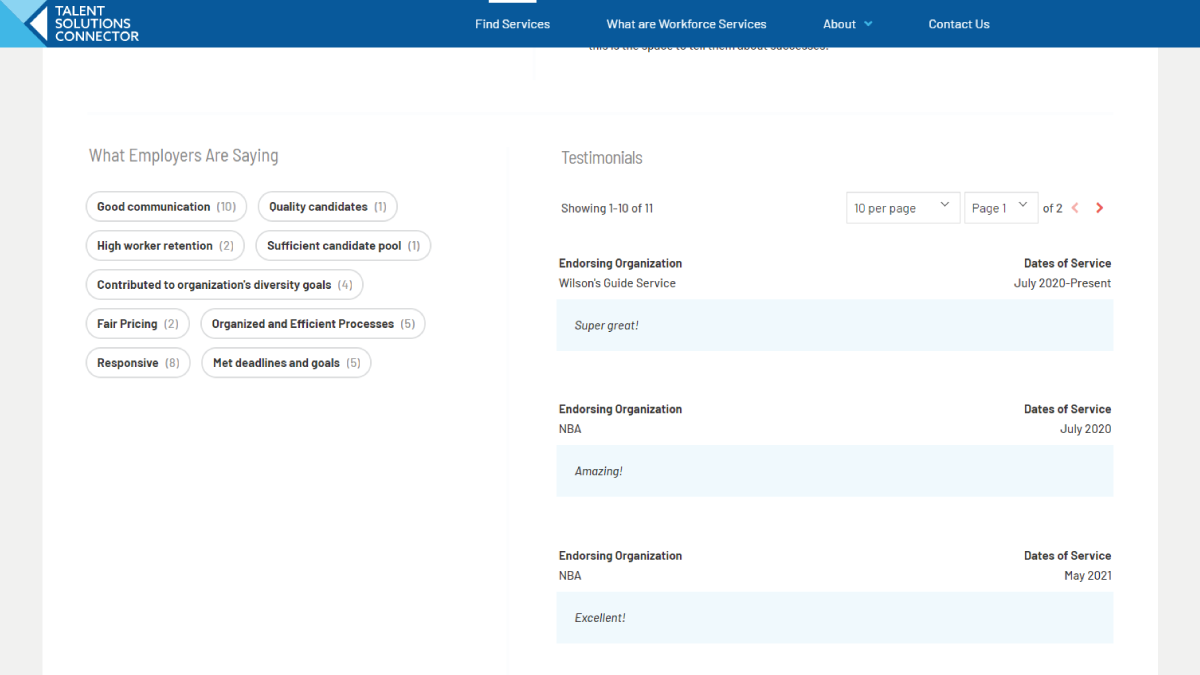
Then to apply those filters, all I have to do is click the red search button to filter my results, and we can see, I have two that match my criteria. And if I want to learn more about them, all I have to do is click on the name and I’m taken to a details page where I can learn more about that program – further details on their service including contact information, as well as a few more details on the incentive that’s available to me.